
Titanbase
Desktop App

A local file workflow, without a browser-shaped compromise.

Titanbase Desktop runs the bundled editor offline. Open and save local .titan.json files, import PostgreSQL SQL, compare schemas, and export reviewed files through native dialogs.
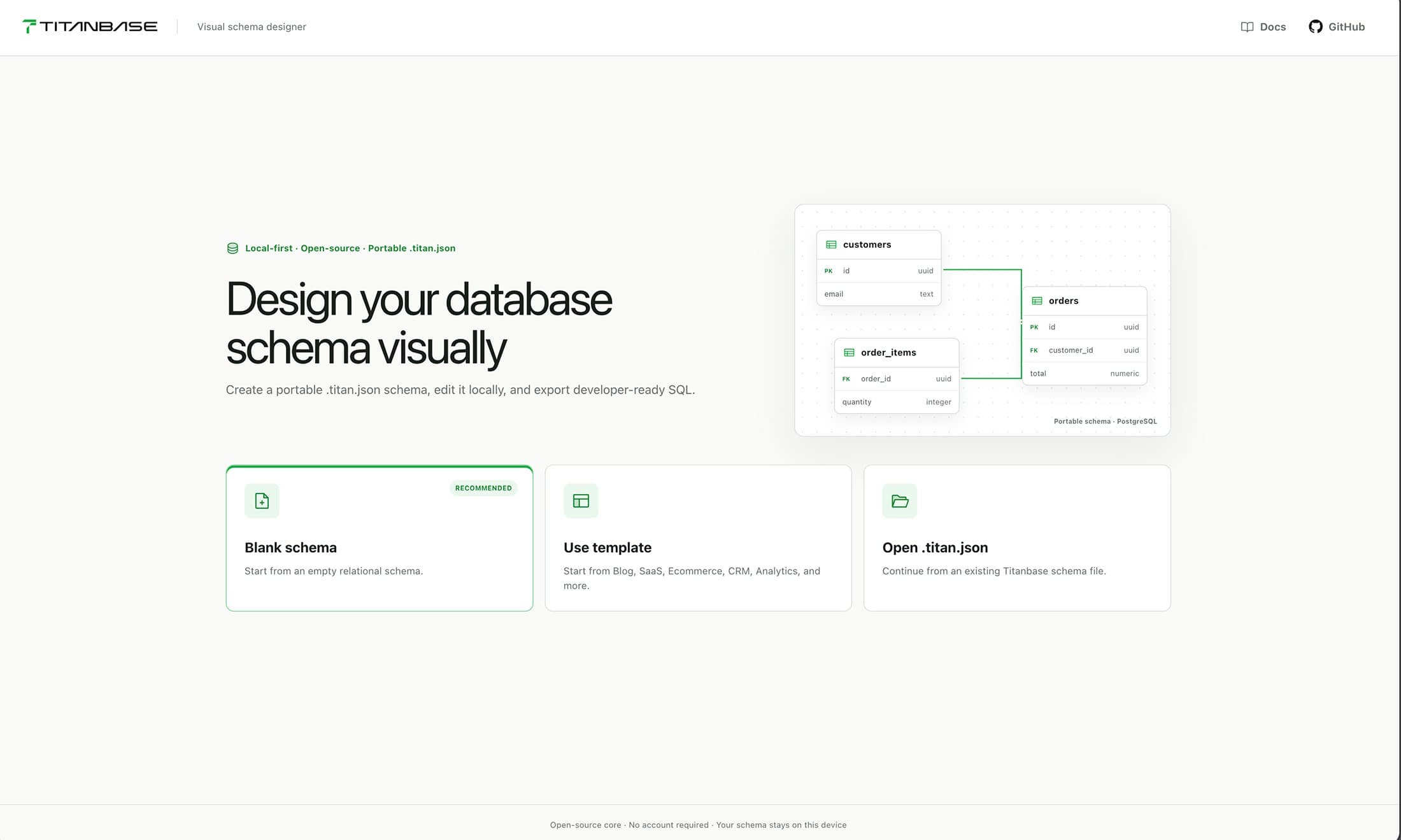
Titanbase Desktop start screen with recent local schema files
Build targets

Packaged for every desktop platform.

Build from source today. Each platform ships with the native packaging targets already configured.

macOS

DMG and ZIP targets are configured.

Windows

NSIS installer target is configured.

Linux

AppImage and DEB targets are configured.

What works today

  • Open, save, and Save As local .titan.json files.
  • Import local PostgreSQL .sql files with non-blocking import warnings.
  • Export Titan JSON, PostgreSQL, Supabase, Neon, Mermaid, Prisma, and Drizzle files.
  • Compare local schemas and preview PostgreSQL migration drafts.
  • Recent files, drag and drop, native menus, keyboard shortcuts, and unsaved-change prompts.

Current limitations

  • Packages are unsigned and not notarized yet.
  • There are no automatic updates or hosted release downloads yet.
  • Titanbase never connects to a live database or executes migrations.
  • PostgreSQL is the complete import and migration-draft workflow.

Until signed releases are available, build from source using the public repository.